

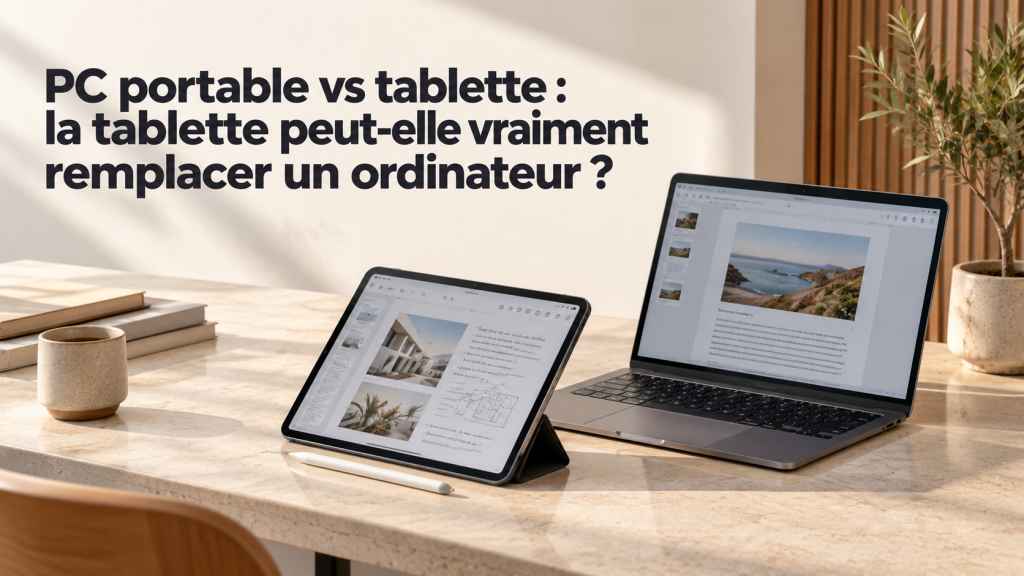
Laptop vs tablet: can a tablet really replace a computer?
Listen to this article
Read aloud by your browser. No audio file is downloaded.
Spoken by your browser. This is not a recorded audio file. The time shown is an estimate.
If you are deciding now, keep laptop vs tablet in view before the price or the spec sheet.
laptop vs tablet
A tablet can replace a computer for many everyday tasks, but not automatically. The choice depends above all on the software you use, how much multitasking you need, the accessories, and the operating system.
In short: for reading, taking notes, browsing the web, answering email and creating simple documents, a tablet can be enough. For specialist software, local development or complex workflows, a laptop is generally more practical.
1. Tablets are becoming more versatile
On compatible iPads, Stage Manager and resizable windows make it easier to organise several apps. On some Android devices, windowed mode and Samsung DeX offer an experience closer to a traditional desktop. These features vary by model and system version.
But connecting a keyboard does not automatically turn a tablet into a computer. Some mobile apps do not offer every feature of their Windows or macOS versions.
2. Laptop vs tablet: full comparison
| Criterion | Laptop | Tablet |
|---|---|---|
| Web browsing and email | Excellent | Excellent |
| Documents and presentations | Very good | Very good with the right apps |
| Handwritten notes | Possible, depending on accessories | Natural with a compatible stylus |
| Complex multitasking | Generally more flexible | Depends on the system and the apps |
| Professional software | Often a better fit | Compatibility to check |
| Software development | Suited to most standard workflows | Possible for some tasks, with limits |
| Video creation | Depends on the setup and the software | Capable on some models |
| Carrying and touch | Good | Excellent |
| Accessories | Keyboard and trackpad built in | Keyboard, stylus or adapter sometimes extra |
These trends are not absolute rules. An entry-level PC is not necessarily faster than a high-end tablet in every app. Compare the devices and the software you actually use.
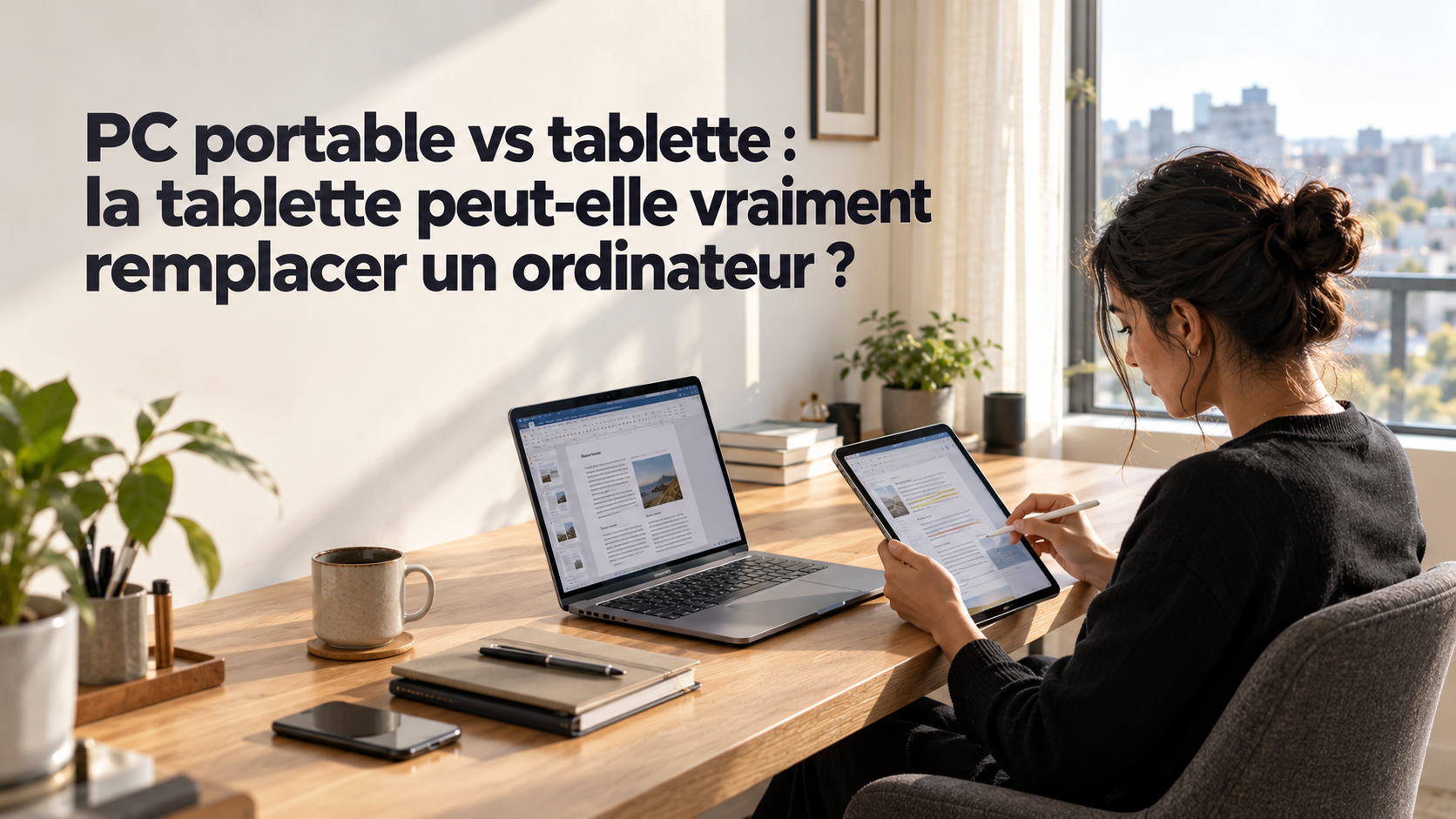
3. Tasks a tablet can take over
Browsing, email and video calls
These tasks suit a tablet very well, especially with a keyboard for long text.
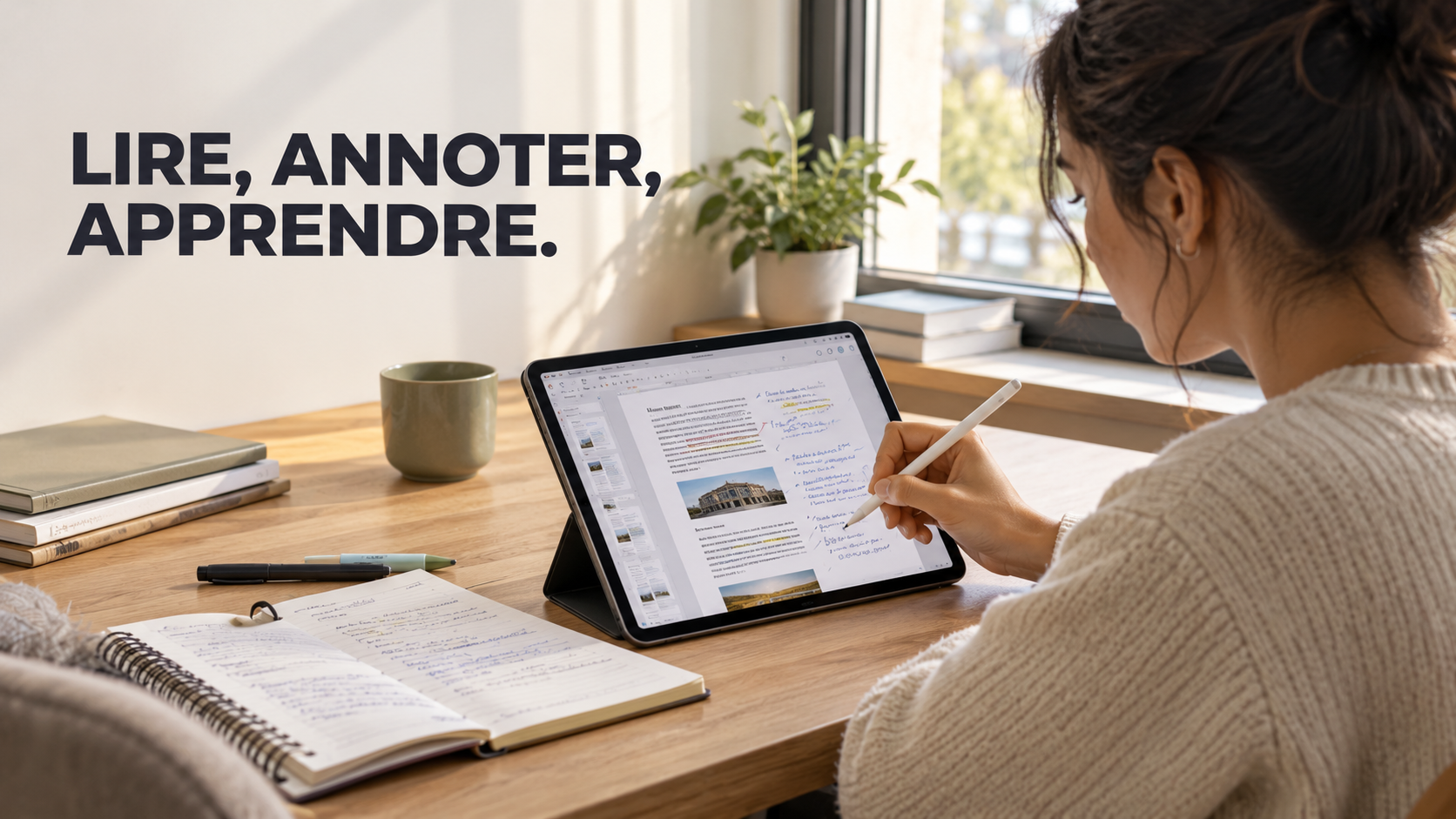
Classes, reading and notes
The touchscreen and stylus make it easier to annotate PDFs, write by hand and sketch diagrams.
Documents and presentations
Mobile apps cover many everyday needs. Check advanced features, macros and complex layouts.
Drawing and mobile creation
A tablet that works with a stylus can feel more natural for drawing and annotating.
4. When a laptop is still the better choice
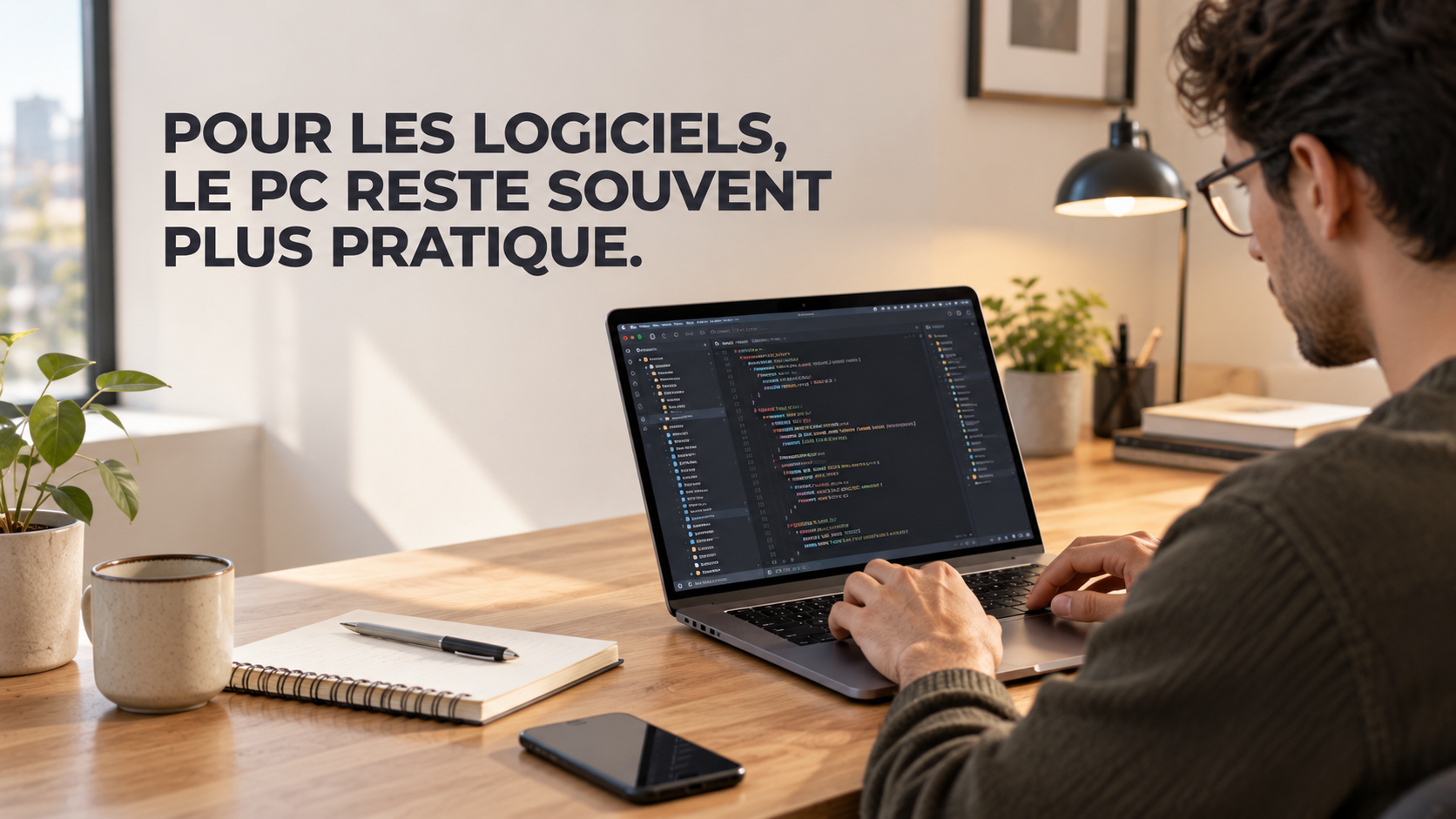
Web development
For local VS Code, Node.js, PHP, MySQL, Docker or full environments, a laptop is generally simpler. A tablet can be used for learning or for reaching a remote environment, but check the terminal, file management and local execution.
Specialist software
Accounting, management, 3D design or CAD software may require Windows/macOS, or features missing from the mobile version. Check the exact program before you buy.
Multitasking
Opening several apps is not the same as freely managing windows, displays, peripherals and files. Desktop modes also have limits that depend on the apps.
Peripherals
Check compatibility with USB sticks, card readers, printers, external drives and hubs. An adapter does not guarantee support for every device.
5. The real cost: tablet alone, or a full workstation?
Compare the full cost: the device, the accessories you need, and any software or subscriptions.
| Setup | What to include in the sum |
|---|---|
| Tablet with accessories | Price of the tablet, keyboard, stylus, mouse, USB-C adapter, and any software or subscriptions you need. |
| Laptop | Price of the PC, any extra peripherals, and any software or subscriptions you need. |
A tablet may need a keyboard, a stylus, a mouse, a USB-C adapter or a subscription. A laptop usually already includes a keyboard and a trackpad. Which accessories you need depends on how you work.
Remember: a tablet is not always the cheaper option. Compare complete setups and the accessories you actually need.
6. Product examples to look at on Global Zone
The products below illustrate different approaches to mobile productivity. They are not direct equivalents. Compare compatible software, accessories, the system and the tasks. Check prices and availability on the product pages at the time of purchase.
Samsung Galaxy Tab S11 — 256 GB
The page we checked lists 12 GB of RAM, 256 GB of storage, an 11-inch Dynamic AMOLED 2X display and an S Pen, according to the product page. This tablet can be a good fit for study, notes and mobile productivity.
Price shown in the document: 9 799 DH. Recheck on the product page before publication.
Samsung Galaxy Tab S10 Ultra — 256 GB
The page we checked lists 12 GB of RAM, 256 GB of storage, a 14.6-inch display and an S Pen, according to the product page. The large screen can make document work easier.
Price shown in the document: 13 990 DH. Recheck on the product page before publication.
A high-end tablet is not automatically a budget solution. Compare the full cost and the tasks you actually need it for.
Laptops from Global Zone
An ASUS Zenbook 14X OLED was listed at about 10 899 DH in the results we checked. Confirm that price on the exact product page before publication.
A laptop can be a better fit for desktop software, local development and complex workflows.
A product page does not guarantee live stock in the shop. Check the reference, the price and availability before you buy.
7. Which device should you choose for your profile?
| Your profile | Suggested choice | Why? |
|---|---|---|
| Student on general courses | Tablet or laptop | The tablet is practical for annotating PDFs; a PC suits a lot of writing, or software the course requires. |
| Computer-science student | Laptop | Generally a better fit for programming tools and local environments. |
| Mobile sales rep | Tablet if the business tools are compatible | A light device can make travel easier. |
| Office worker | Laptop | Often more practical for business apps and complex multitasking. |
| Illustrator, or handwritten notes | Tablet with a compatible stylus | The stylus makes drawing and handwriting easier. |
| Video editing | Depends on the software and the performance required | Compatibility, formats and available power decide it. |
| Specific Windows software | laptop on Windows | The operating system and software compatibility come first. |
| Browsing and media | Tablet | Easy to carry and comfortable for reading content. |
8. Checks before you buy in Morocco
- Exact reference: devices with similar names can have different specifications.
- Apps: check that your essential software works in its full version.
- Accessories: confirm whether the keyboard, stylus, charger and adapters are included.
- Warranty: check the length, the terms and who handles the support.
- Price and availability: check the product page when you buy; prices and stock change.
Favour the specifications that match your needs rather than the marketing name alone.
9. FAQ
Can a tablet replace a computer?
Yes for browsing, email, reading, notes and many documents. For specialist software, a PC is generally a better fit.
Is a tablet with a keyboard the same as a computer?
It reproduces part of the experience, but software compatibility and window management still decide it.
Is a tablet suitable for study?
Yes for reading, annotating and taking notes. Check the software your course requires.
Can you code on a tablet?
Some tasks are possible with web tools or a remote environment. For a full local setup, a PC is often simpler.
Is a tablet cheaper than a laptop?
Not necessarily: a keyboard, stylus, adapters and software can raise the total cost. Compare complete setups.
Conclusion: choose for your tasks, not for the format
A tablet can replace a computer for everyday tasks and some jobs, but it does not automatically replace a laptop for specialist software, programming or complex workflows.
The choice depends on the apps you use, how mobile you need to be, the accessories and the total cost. Compare those points before you buy, so you pick the device that actually fits your work, your studies and your budget.
Sources and further reading
A careful look at laptop vs tablet avoids paying for a feature you will not use.
Global Zone customers usually ask about laptop vs tablet when they compare two close options.
Treat laptop vs tablet as one criterion next to battery life, noise, weight and updates.
Nothing in laptop vs tablet replaces checking the exact model number on the box.
For a shop in Morocco, laptop vs tablet should be read together with local availability.
If you are deciding now, keep laptop vs tablet in view before the price or the spec sheet.
The useful reading of laptop vs tablet is what changes for a buyer in Morocco, not the slogan.
Warranty, stock and after-sales support matter as much as laptop vs tablet itself.
A careful look at laptop vs tablet avoids paying for a feature you will not use.
Global Zone customers usually ask about laptop vs tablet when they compare two close options.
Treat laptop vs tablet as one criterion next to battery life, noise, weight and updates.
Nothing in laptop vs tablet replaces checking the exact model number on the box.
Avis des lecteurs
Votre avis compte
Partagez votre expérience et aidez d’autres lecteurs à mieux comprendre ce sujet.
Soyez le premier à donner votre avis.

