

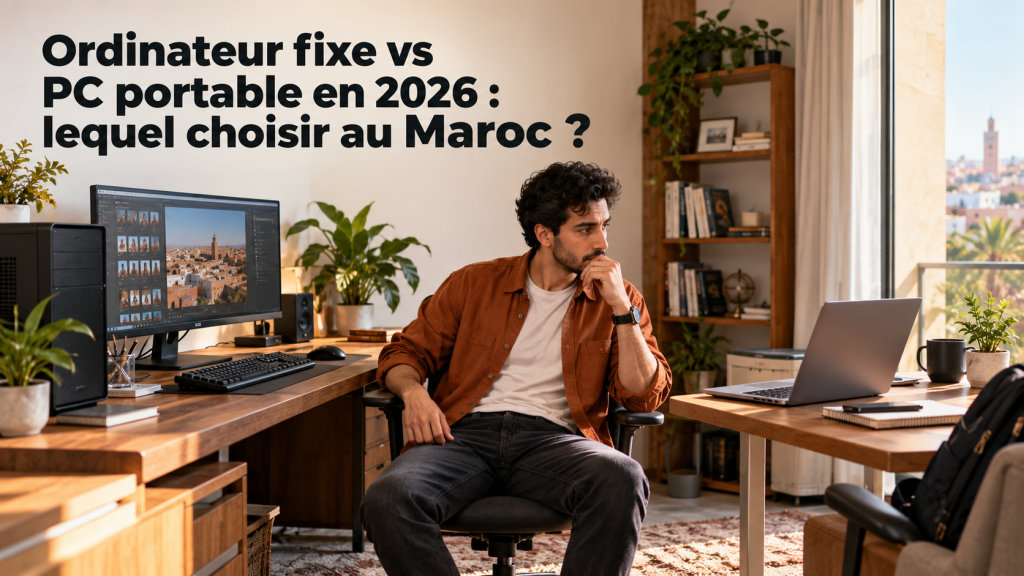
Desktop or Laptop in 2026: Which Should You Buy in Morocco?
Listen to this article
Read aloud by your browser. No audio file is downloaded.
Spoken by your browser. This is not a recorded audio file. The time shown is an estimate.
If you are deciding now, keep desktop vs laptop in view before the price or the spec sheet.
A desktop suits people who mostly work in one place and want a comfortable workstation. A laptop is a better fit for students, mobile professionals, and people who move between the office, home, and travel.
But the displayed price is not the whole story. You also need to account for the screen, peripherals, RAM, and the storage, upgrade options, and the performance you actually need.
To help you choose, we compare the two formats through models sold on Global Zone, with the prices shown in Moroccan dirhams.
desktop vs laptop: 1. Desktop or laptop: what is the difference?
The basic difference is simple: a desktop is built to stay in a workspace, while a laptop packs the main components into a machine you can carry.
That difference affects comfort, ports, how you organize a desk, and how easy the computer is to move. It does not mean that every desktop is more powerful than every laptop.
A laptop for professional use can comfortably handle advanced office work and multitasking. An entry-level desktop, by contrast, is not automatically suited to demanding games or video editing.
A useful rule: choose your computer for its exact configuration and your needs, not only for its format.

2. Comparison: desktop vs laptop
| Criterion | Desktop | laptop |
|---|---|---|
| Mobility | Very limited | Excellent |
| Setup | Dedicated workspace | Usable in different places |
| Screen | May come with the desktop or be bought separately | Built-in |
| Keyboard and touchpad | Usually separate | Built-in |
| Comfort on a large desk | Excellent with a screen that fits | Possible with an external screen |
| Ports | Depends on the tower and the configuration | Depends on the model |
| Hardware upgrades | Often easier, depending on the model | More limited on many models |
| Battery life | Usually none | Depends on the battery and how you use it |
| Carrying it | Impractical | Easy to carry |
| Best suited to | Fixed desk, reception, professional workstation | Studies, travel, remote work |
Keep in mind: a desktop favors a stable setup, while a laptop favors flexibility. To compare performance, look at the processor, the RAM, the storage and, for graphics work, the graphics card.
3. Computers available at Global Zone: prices and configurations
To make the comparison concrete, here are four models available at Global Zone. The prices shown are the amounts displayed on the product pages at the time of checking; they can change.
3.1. For office work: Dell Pro Tower Essential QVT1260
The Dell Pro Tower Essential QVT1260-I3-UBU is a desktop aimed in particular at everyday professional tasks.
Main specifications listed on the product page:
- Processor: Intel Core i3-14100.
- 8 GB of RAM.
- Tower case.
- Manufacturer reference: QVT1260-I3-UBU.
This configuration can suit web browsing, office documents, email, and light professional applications, depending on the software you use.
Before you order, check the full specifications on the product page, including the storage, the operating system, and the included accessories. Do not assume that a screen is supplied with this tower.
Who is it for? People who want a fixed workstation for daily tasks and who do not need a computer built specifically for gaming or intensive graphics work.
3.2. For a desk ready to set up: HP Pro 290 G9 with a screen of 22 inches
The HP Pro 290 G9 with HP S3 Pro 22-inch Monitor is a desktop package sold under the reference D1AZ9AT.
Its main advantage is a screen of 22 inches included in the offer. That makes a fixed workspace easier to set up, although the other included items still need to be confirmed on the product page.
This format is useful for:
- Administrative workstations.
- Company offices.
- Document and spreadsheet work.
- People who work for several hours in the same place.
- Environments where a larger screen improves comfort.
The price of this model should not be compared directly with a laptop’s price without accounting for what each configuration includes.
Who is it for? Companies, offices, and users who prefer a fixed setup with a screen dedicated to that desk.
3.3. For work on the move: Acer TravelMate P2 15
The Acer TravelMate P2 15 NX.BLSEF.008 is a professional laptop with a configuration aimed at productivity.
Main specifications:
- Processor: Intel Core 7 150U.
- 16 GB of DDR5 RAM.
- 1 TB SSD.
- Screen: 15.6-inch Full HD.
- Integrated graphics: Intel Graphics.
- Reference: NX.BLSEF.008.
The 16 GB of RAM and the 1 TB SSD are useful for multitasking, office software, and the storage of professional files.
This model is aimed more at productivity than at demanding games that need a dedicated graphics card. It can also be used at home with an external screen, if you want a desk-like setup.
Note: the product page lists FreeDOS. If you need Windows, check the required operating system and the possible cost of a license before you buy.
Who is it for? Students, professionals, freelancers, and users who want to carry their computer without giving up a productivity-oriented configuration.
3.4. For gaming and travel: MSI Cyborg 15 A13VE-2225MA
The MSI Cyborg 15 A13VE-2225MA is a laptop equipped with a dedicated graphics card.
Its configuration includes:
- Processor: Intel Core i5-13420H.
- Graphics card: NVIDIA GeForce RTX 4050 Laptop with 6 GB of video memory.
- 16 GB of DDR5 RAM.
- 512 GB NVMe SSD.
- Screen: 15.6-inch Full HD at 144 Hz.
- Reference: 9S7-15K111-2225.
An RTX 4050 Laptop sets it apart from an office laptop that has only integrated graphics. This dedicated graphics card is designed for compatible games, graphics applications, and some creative work.
Real performance still depends on the game, its settings, cooling, and the laptop’s configuration. Do not assume that every RTX 4050 performs the same.
This model can still be carried, but a gaming computer can be bulkier, and battery life while gaming is generally shorter than during office use.
Who is it for? People who play games and want a computer they can carry, and users who need a dedicated graphics card without installing a desktop tower.
Summary table of Global Zone references
| Product | Displayed price | Main use |
|---|---|---|
| Dell Pro Tower Essential QVT1260 | 7 694 DH | Office work at a fixed desk |
| HP Pro 290 G9 + 22″ screen | 11 209 DH | Fixed workstation |
| Acer TravelMate P2 15 | 11 330 DH | Productivity and mobility |
| MSI Cyborg 15 RTX 4050 | 10 879 DH | Gaming and graphics applications |
These products do not all have the same components or the same accessories. This table compares their displayed prices and the use each one is aimed at, not matching performance.
4. Which computer should you choose for your profile?
You are a student

If you carry your computer between home, university, and the library, a laptop is generally the most practical choice.
For classes, research, presentations, and group work, choose a computer with an SSD and enough RAM for your applications.
The Acer TravelMate P2 15 can be relevant if you are looking for 16 GB of RAM and 1 TB of storage. Still, check the operating system before you buy.
If you study a subject that needs graphics software or demanding calculations, check the configurations recommended by your institution first.
You work in an office or a company

If your computer stays in one place all day, a desktop can be a sensible choice.
The HP Pro 290 G9 with a screen of 22 inches is one example of a desk configuration. The Dell Pro Tower Essential is another option to consider for office tasks, after you check what is included.
For a company fleet of computers, ease of maintenance, warranty, ports, and consistent configurations can matter as much as the initial price.
You are a developer or you work with several applications
The choice depends on your tools: a code editor, a browser with many tabs, a local environment, virtual machines, databases, or specialized software.
For this kind of use, 16 GB of RAM can be a comfortable starting point, while some projects need more memory.
A professional laptop is useful if you need to work in several places. A desktop can suit you if you work mainly at the same desk and want to use an external screen.
Before you buy, check compatibility with your tools and the RAM requirements of your projects.
You play games
If you regularly play demanding titles, the graphics card is a deciding factor.
The MSI Cyborg 15 described above has a 6 GB RTX 4050 Laptop. It is an option to consider when you want a gaming laptop and mobility matters.
A desktop can also be a good fit for games, but you need to compare specific configurations: processor, graphics card, video memory, cooling, and power supply. The four models in this article are not a direct comparison between a gaming tower and a gaming laptop.
You work in graphic design or video editing
Do not choose only by the category “desktop” or “laptop”.
Look at the RAM, the processor, the GPU, the storage, the quality of the screen and the software’s requirements. For some tasks the graphics card is essential; for others the processor and memory come first.
The MSI Cyborg 15 has a dedicated GPU. The Acer TravelMate P2 has integrated graphics: these two models do not meet the same graphics needs.
5. Is the displayed price the total cost of your computer?
Not necessarily.
For a desktop, check whether the screen, the keyboard, the mouse, the speakers, and the necessary cables are included. For a laptop, the screen and the keyboard are built in, but you may want to add a mouse, a stand, or an external screen.
You also need to account for the operating system. The Acer TravelMate P2 page cited in this guide lists FreeDOS: if your work requires Windows, check the options and the cost before you compare the final budget.
Total cost = computer price + necessary accessories + any software or licenses + any maintenance and repairs.
It is not possible to give a reliable total for every buyer without knowing the accessories they already own and the software they need. Likewise, a serious estimate of electricity use has to be based on the real consumption of the devices and on the household’s electricity tariff band.
Compare the full setup, not only the displayed prices.
6. Is a desktop necessarily more powerful than a laptop?
No. That is a misconception.
Performance depends on the components installed and on how they are implemented. A professional laptop with a modern processor can be better suited to some tasks than an entry-level tower. A gaming laptop with a dedicated GPU can also be stronger for graphics work than an office desktop.
You need to compare:
- The processor: generation, range, and performance in the applications you use.
- The RAM: the capacity needed for multitasking and software.
- The storage: SSD capacity and the space available for files.
- The graphics card: integrated or dedicated, depending on the tasks.
- The cooling: important for keeping performance up during long workloads.
- Upgradability: the possibility of replacing or adding components.
A desktop is often easier to upgrade, but that is not a universal guarantee: some models are very compact or use proprietary components. Laptops also differ a great deal depending on how they are designed.
7. Mistakes to avoid before you buy

Choosing on price alone. A cheaper model may need extra accessories or software.
Confusing RAM with storage. RAM is used in particular for multitasking; the SSD stores the system, the applications, and the files.
Ignoring the graphics card. For gaming and some creative software, it can be decisive.
Assuming that every desktop can be upgraded. Check the format, the available slots, and the compatible components.
Forgetting the operating system. Check whether it is included and whether it meets your needs.
Comparing two different models as if they were equivalent. Price alone does not show the performance.
Not checking availability before you order. Prices and stock can change. Check the Global Zone product page and confirm the exact reference before you complete the purchase.
8. Verdict: desktop or laptop in 2026?
There is no universal winner. The right choice is the one that meets your real needs without making you pay for features you will not use.
Choose a desktop if you work mainly in one place and prefer a stable desk setup.
Choose a laptop for professional use if you travel, study, or move between different workplaces.
Choose a laptop built for gaming if you want to play games and still be able to carry your machine.
For graphic design or demanding tasks, compare the components and the software recommendations precisely before you decide.
At Global Zone, the models presented in this guide let you look at several profiles: the Dell Pro Tower Essential for fixed-desk office work, the HP Pro 290 G9 with a screen for a workstation, the Acer TravelMate P2 for professional mobility, and the MSI Cyborg 15 for gaming.
What matters is to check the exact configuration, the operating system, the included accessories, and the displayed price at the time you order.
FAQ: common questions
Which is the better choice between a desktop and a laptop?
A desktop fits a permanent workstation. A laptop is a better fit for people who need mobility. The better choice depends on how you use it, your budget, and the configuration you want.
A laptop: can it replace a desktop?
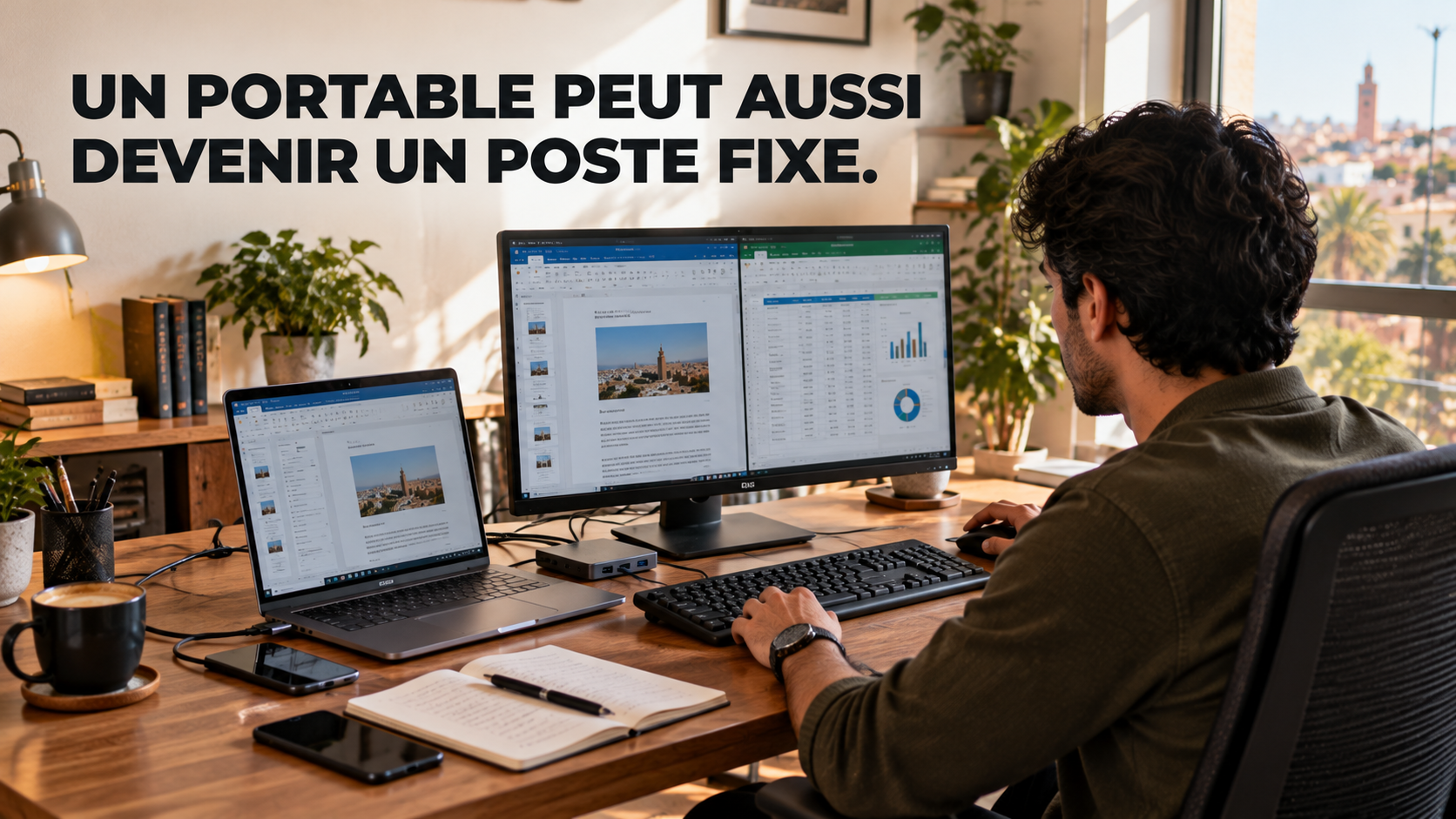
Yes. A laptop can be the main computer at home or in the office. It can be paired with an external screen, a keyboard, and a mouse to create a more comfortable workspace.
Does a desktop always cost less?
No. The cost depends on the components and the included accessories. A tower sold on its own is not directly comparable with a complete laptop or with a desktop offer that already includes a screen.
How much RAM do you need for work in 2026?
It depends on the applications. For office work and everyday multitasking, 16 GB is often a reasonable target. Demanding professional use, virtualization, and some creative work can require more.
Which computer should you choose for gaming?
Look first at the graphics card, the processor, the cooling, the RAM, and the screen. The MSI Cyborg 15 A13VE-2225MA presented in this article has a 6 GB RTX 4050 Laptop. Check the requirements of the games you want to play before you buy.
Is a desktop easier to repair or upgrade?
Often, yes, especially for standard towers. It still depends on the model, on component compatibility, and on the case design.
Where can you buy a desktop or a laptop in Morocco?
You can look at the models offered on Global Zone, compare the specification sheets, and check the displayed price. Before you order, confirm the manufacturer reference, the included accessories, the operating system, and availability.
Your next computer should match the way you work.
Compare the configurations and check the Global Zone product pages before you choose between mobility, desk comfort, and performance.
Microsoft — Warranty, stock and after-sales support matter as much as desktop vs laptop itself.
A careful look at desktop vs laptop avoids paying for a feature you will not use.
Global Zone customers usually ask about desktop vs laptop when they compare two close options.
Treat desktop vs laptop as one criterion next to battery life, noise, weight and updates.
Nothing in desktop vs laptop replaces checking the exact model number on the box.
For a shop in Morocco, desktop vs laptop should be read together with local availability.
If you are deciding now, keep desktop vs laptop in view before the price or the spec sheet.
The useful reading of desktop vs laptop is what changes for a buyer in Morocco, not the slogan.
Warranty, stock and after-sales support matter as much as desktop vs laptop itself.
A careful look at desktop vs laptop avoids paying for a feature you will not use.
Global Zone customers usually ask about desktop vs laptop when they compare two close options.
Treat desktop vs laptop as one criterion next to battery life, noise, weight and updates.
Nothing in desktop vs laptop replaces checking the exact model number on the box.
For a shop in Morocco, desktop vs laptop should be read together with local availability.
If you are deciding now, keep desktop vs laptop in view before the price or the spec sheet.
The useful reading of desktop vs laptop is what changes for a buyer in Morocco, not the slogan.
Warranty, stock and after-sales support matter as much as desktop vs laptop itself.
A careful look at desktop vs laptop avoids paying for a feature you will not use.
Global Zone customers usually ask about desktop vs laptop when they compare two close options.
Treat desktop vs laptop as one criterion next to battery life, noise, weight and updates.
Nothing in desktop vs laptop replaces checking the exact model number on the box.
For a shop in Morocco, desktop vs laptop should be read together with local availability.
If you are deciding now, keep desktop vs laptop in view before the price or the spec sheet.
The useful reading of desktop vs laptop is what changes for a buyer in Morocco, not the slogan.
Warranty, stock and after-sales support matter as much as desktop vs laptop itself.
A careful look at desktop vs laptop avoids paying for a feature you will not use.
Avis des lecteurs
Votre avis compte
Partagez votre expérience et aidez d’autres lecteurs à mieux comprendre ce sujet.
Soyez le premier à donner votre avis.

